
Your entire fleet,
on one screen.
LinQView is the dashboard your team logs into every day to see every device, every SIM, every carrier, and every dollar of usage, in real time. Manage thousands of POS terminals, kiosks, and connected devices from a single browser tab.
real time
plane
browser tab
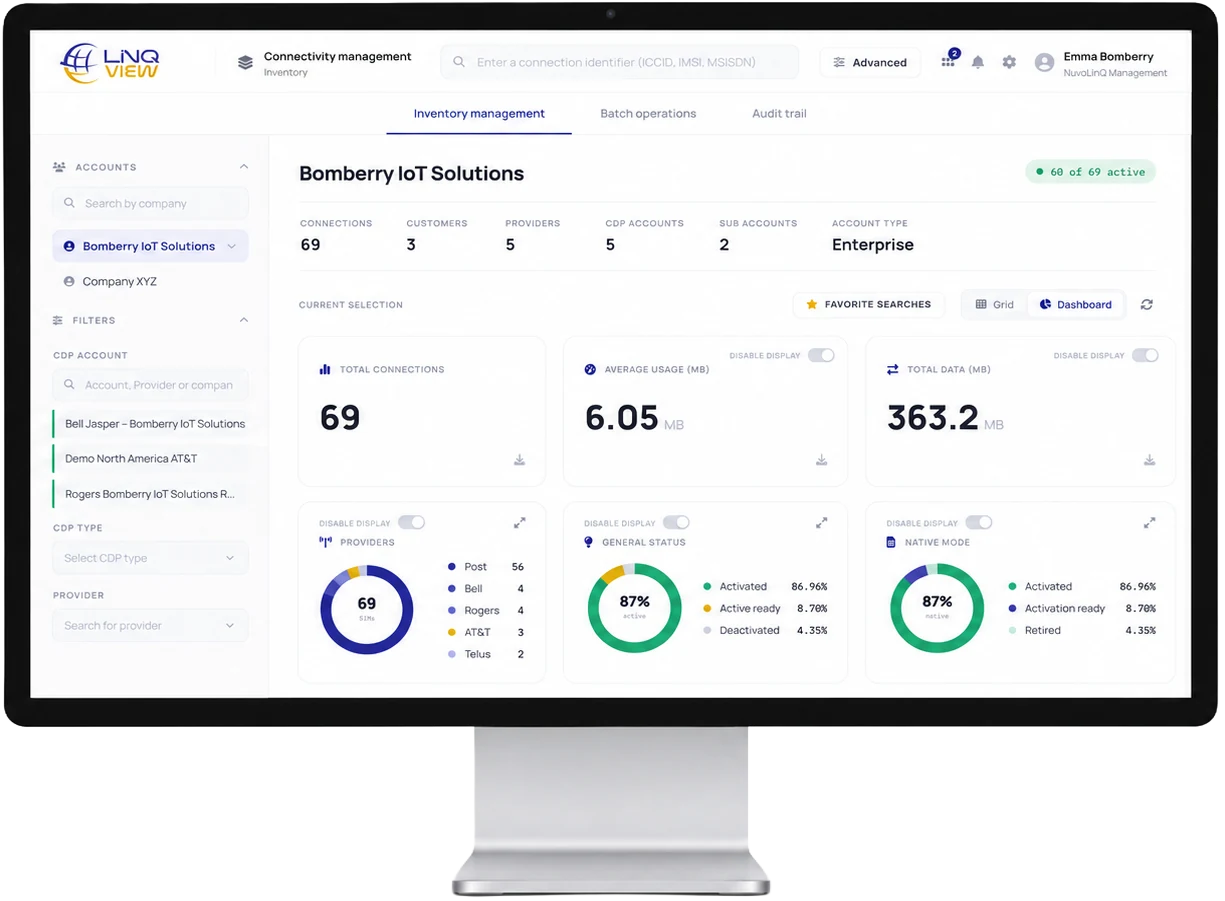
01 Real-time SIM status visibility
The moment a device goes offline, you know.
LinQView provides live visibility into SIM status, carrier, signal strength, and last-seen timestamps without manual refreshes or waiting for daily reports.
| Device ID | Location | Carrier | Signal | Status | Last seen |
|---|---|---|---|---|---|
| LQ-77F3-A1 | Austin, TX · Store #214 | T-Mobile · LTE | ONLINE | just now | |
| LQ-A12B-09 | Denver, CO · Store #088 | Verizon · 5G | ONLINE | 2s ago | |
| LQ-3D9C-F4 | Reno, NV · Mall kiosk | AT&T → T-Mo | ▲ SWITCHING | 4s ago | |
| LQ-22EE-71 | Miami, FL · Food court 3 | AT&T · LTE | ONLINE | just now | |
| LQ-9F01-B6 | Bozeman, MT · Route 191 | , no signal | OFFLINE | 2m 14s ago | |
| LQ-55B7-2C | Seattle, WA · Pier 70 | T-Mobile · 5G | ONLINE | just now |
Terminal stopped responding to heartbeats.
LQ-9F01-B6 · Bozeman, MT · 2m ago
Switched from AT&T → T-Mobile (signal dropped below threshold).
LQ-3D9C-F4 · Reno, NV · 4s ago
Group Western Pilot at 92% of monthly plan.
38 devices · forecast 104% · 18m ago
4 terminals reporting RSRP < −115 dBm.
Mall kiosks · Reno cluster · 22m ago
02 OTA provisioning
Activate, configure, or swap carriers remotely. No site visit.
Push a new carrier profile to one terminal or ten thousand from the same screen. The change reaches the SIM over the air. No shipping a tech, no calling the merchant, no firmware update.
Activate a brand new terminal.
Plug it in, power on. LinQView sees it, assigns a profile, and the device is live in minutes. No site visit, no setup screen.
Swap carriers on the fly.
Renegotiated rates with Verizon? Push the new profile to 4,200 terminals at once. Zero downtime, no truck rolls.
Configure groups in bulk.
Apply data caps, regional rules, or fallback policies to any group of devices. First-class flexibility. Everything moves over the air.
03 Billing & usage
Every byte, every dollar, attributed.
One consolidated view across carriers. See usage by device, by region, by store group and get alerted before a single line goes over plan. Forget reconciling four carrier invoices at month-end.
| Store group | Devices | Used | vs plan |
|---|---|---|---|
| West StoresRegion · West | 1,204 | 86 GB | +8% |
| Midwest StoresRegion · Central | 912 | 61 GB | −4% |
| Northeast PlazaRegion · East | 744 | 62 GB | +11% |
| Mobile KiosksFleet · roaming | 410 | 28 GB | −9% |
| South InventoryRegion · South | 289 | 19 GB | −2% |
Carriers consolidated
Verizon, AT&T, T-Mobile and global partner networks are billed as one line on one invoice. No reconciling.
Alerts before overage
Get a flag when a group's trajectory will exceed plan, not after the bill arrives.
Change data by group
Move data between groups, or top up a region, in a few clicks. Changes take effect immediately.
04 Compliance reporting
An auditor's first request, already in your inbox.
Every action against every SIM, provisioning, profile swaps, key rotations, access events, is signed, timestamped, and exportable as an immutable log. Built for PCI reviewers.
PCI, connectivity controls evidence
Reviewers stop asking for screenshots.
Press one button. LinQView emits a signed PDF with every connectivity event in scope, hash-chained so the auditor can prove the file hasn't been edited.
PCI-ready exports
Pre-built templates that map to PCI v4.0 controls 1.x, 2.x, 8.x, and 10.x, the connectivity ones reviewers actually care about.
Immutable log chain
Every event is hashed and chained to the prior one. Edit any line and the chain breaks, visible to the auditor and to you.
Role-scoped access trail
Who looked at which device, when, and from where. Single sign-on integrated; sessions cryptographically tied to user identity.
05 Diagnostic tools
Find the broken terminal before the merchant calls.
When something looks wrong, LinQView lets you ping the SIM, replay the last hour of signal data, force a carrier reselection, or push a fresh profile, without leaving the device row.
06 ScanLinQ integration
The merchant scans a sticker. Your team already has the ticket.
Every device ships with a ScanLinQ sticker. When something goes wrong, the merchant points their phone at the QR code and a fully populated support ticket appears in LinQView the same second. No phone tree, no half-described symptoms.
TERMINAL
How it works
ScanLinQ stickers carry each device's unique ID. Using the ScanLinQ app, teams can scan the QR code to identify the device, access its profile, and update or troubleshoot deployment information in the field.
Merchant scans the QR on the terminal.
Merchant picks a symptom; the ticket lands in LinQView instantly.
Your team opens the diagnostic session attached to that exact device.
LQ-3D9C-F4 · Toledo, OH
07 See it on your own fleet
A 25-minute tour, or a live look at your terminals.
Watch a guided walkthrough on your own time, or book a screen-share where an engineer plugs your store list into a sandbox dashboard and shows you what it would look like.
08 One pane, every device
One dashboard, every SIM, across a global fleet.
The teams running thousands of devices use LinQView every day. Here is what they say.
★ FEATURED CASE STUDY · SECURITY & IOT
A secure, single-pane wireless backbone for Connect2Go
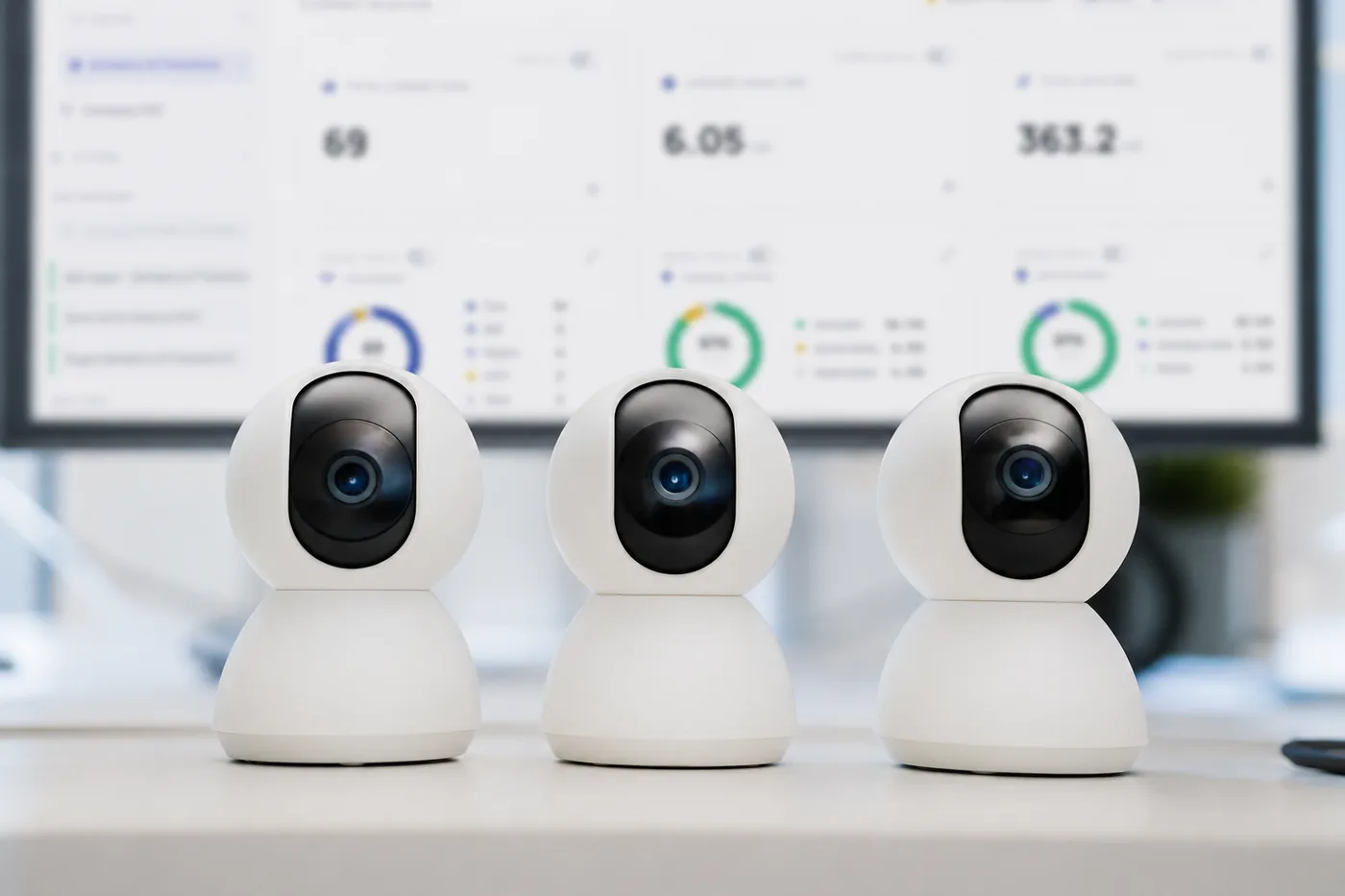
Connect2Go consolidated multiple carriers into one private, secure backbone with static IP and QoS, then used the LinQView portal to manage its network and devices across 10,000+ dealers.
→ One pane of glass
See LinQView in production.
Read how Connect2Go runs a global fleet on LinQView, or browse every case study.












09Frequently asked questions
Questions buyers and assessors ask about LinQView.
Straight answers, no sales call required. Every claim here is the same one we make in the contract.
What is LinQView?
LinQView is NuvoLinQ's fleet connectivity dashboard for managing every device, SIM, and carrier from a single browser tab. It shows live SIM status, carrier, signal strength, and last-seen timestamps, pushes carrier profiles over the air, consolidates usage and billing across carriers, and exports signed, hash-chained compliance logs. Every LinQ1Zero SIM is paired to LinQView at order.
What is the difference between LinQView and a carrier portal?
LinQView manages every carrier from one management plane instead of a separate portal per carrier. Verizon, AT&T, T-Mobile, and global partner networks appear in one consolidated usage view and are billed as one line on one invoice, with no month-end reconciling. It also pushes carrier profile swaps over the air, so moving 4,200 terminals to a new carrier is one job from one screen.
Can LinQView swap carriers on a terminal remotely?
Yes. LinQView pushes a new carrier profile to one terminal or ten thousand from the same screen, and the change reaches the SIM over the air with no site visit, no firmware update, and no truck roll. Update packages are signed by NuvoLinQ and encrypted with AES-256. Operators can also apply data caps, regional rules, and fallback policies to device groups in bulk.
How does LinQView help with PCI compliance?
LinQView logs every action against every SIM, including provisioning, profile swaps, key rotations, and access events, as a signed, timestamped, hash-chained record. One button exports a signed PDF that the auditor can verify is unedited. Pre-built templates map to PCI v4.0 controls 1.x, 2.x, 8.x, and 10.x, and a role-scoped access trail shows who viewed which device and when.
Does LinQView alert you before a data plan overage?
Yes. LinQView forecasts each group's usage trajectory and flags it when the group will exceed plan, before the bill arrives. Usage is shown by device, region, and store group across all carriers in one view. Teams can move data between groups or top up a region themselves, and changes take effect immediately.
What diagnostic tools does LinQView include?
LinQView lets an operator ping the SIM, replay the last hour of signal data, force a carrier reselection, or push a fresh profile directly from the device row. Live alerts for offline devices, failovers, usage thresholds, and weak signal are auto-routed to the team. A ScanLinQ QR scan on the terminal opens a pre-filled support ticket in LinQView with a diagnostic session attached.
10 get started
See your entire fleet on one screen.
Get a connectivity assessment and a walkthrough of LinQView built around your fleet. We map what you run, find the right deployment, and hand you a concrete plan. No generic demos, no runaround.
LinQView gives you real-time visibility, OTA provisioning, billing, and compliance logs for every device, on a private wireless backbone with a 99.99% uptime SLA.