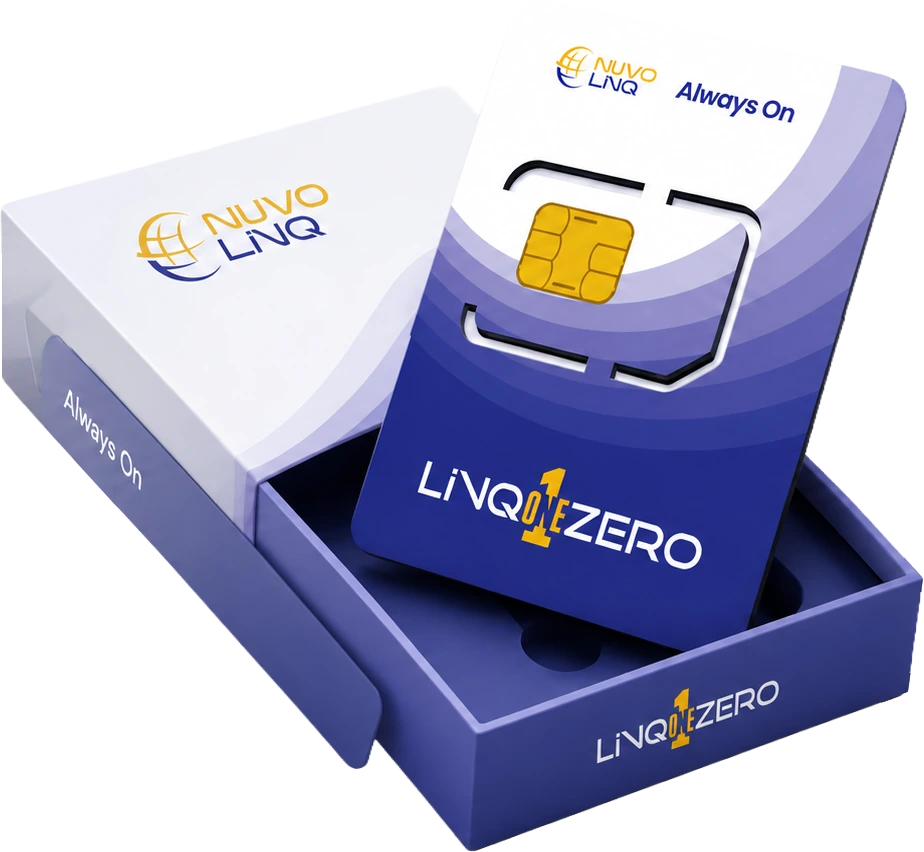
The SIM ships ready to use.
Carrier profiles, network settings, and security keys are loaded at the factory before the SIM ever reaches you. Nothing to set up on your side.
LinQ1Zero ships ready to use. Plug it in, power on, and the device finds the best mobile network on its own — and switches when signal drops. No setup screens, no carrier paperwork, no site visit.
01The difference
Most cellular SIMs assume there's a person holding a phone — to scan a QR code, tap "switch carrier," or join Wi-Fi to activate. Terminals, kiosks, and sensors don't have any of that. LinQ1Zero is built around that fact.
02How it works
From shipping crate to live transactions in the time it takes to power the device on. Here's what's happening behind the scenes — written in plain English.
Carrier profiles, network settings, and security keys are loaded at the factory before the SIM ever reaches you. Nothing to set up on your side.
The SIM scans for available cellular signals, picks the strongest one, and goes online. No QR code. No carrier app. No one walks up to it.
If signal weakens or a carrier has an outage, the SIM moves to the next best one — fast enough that a payment in progress doesn't notice.
03Fits any device
From the standard "Mini-SIM" you can drop into an older terminal, all the way down to a chip built directly into the modem of a new device. Same software, same behavior — pick whichever fits the hardware.
04Works on any mobile network
Your devices won't always be where coverage is best. LinQ1Zero connects to whatever generation of cellular is available — and falls back to older, slower networks rather than going dark.
Backup signal in remote and rural areas where newer networks haven't reached yet.
Still active across many regions — a useful step between 2G and 4G when needed.
What most devices use day-to-day. Reliable, widely available, low power.
For new devices in cities and high-density areas where 5G is live.
"One LinQ1Zero SIM can connect to a backup network in a rural truck stop, a 5G tower in a city centre, and a partner network across a border — without anyone re-issuing the SIM or touching the device.
05What is a "smart SIM"?
You'll see "eSIM," "eUICC," and "SGP.32" thrown around. Here's what they actually mean — and why LinQ1Zero uses the newer standard built specifically for devices like yours.
A smart SIM is one we can update and reconfigure remotely, after it's deployed — without anyone visiting the device.
A regular SIM is locked to one carrier the moment it's made. A smart SIM can have its carrier swapped, added to, or updated long after it's installed — over the air.
The older eSIM standard (the one in your phone) assumes there's a screen and a person. The newer SGP.32 standard was built for devices that have neither — like a terminal in a back room.
From the LinQView dashboard, you can update thousands of devices at once — change carriers, push security updates, or move a region's traffic to a different network in a few clicks.
06OTA migration · legacy to modern
Most eSIM migration conversations assume you'll rip and replace your fleet. We don't. SGP.32 eUICC capability is pushed to existing terminal hardware over the air — no physical SIM swap, no truck rolls, no hardware refresh.
We scan your existing terminal inventory and confirm SGP.32 eligibility per manufacturer and firmware version.
eligible · 96.4%Carrier profiles, private APN, and IP whitelist are staged in LinQView for your fleet before any device is touched.
profile_v3.2 · readyeUICC capability and the new carrier profile are pushed over the air. Migration completes in < 4 minutes per terminal.
avg · 03:47Field tech scans the terminal QR with ScanLinQ; the device context auto-populates and confirms migration end-to-end.
scan → ticket → closed07Built on trusted, audited hardware
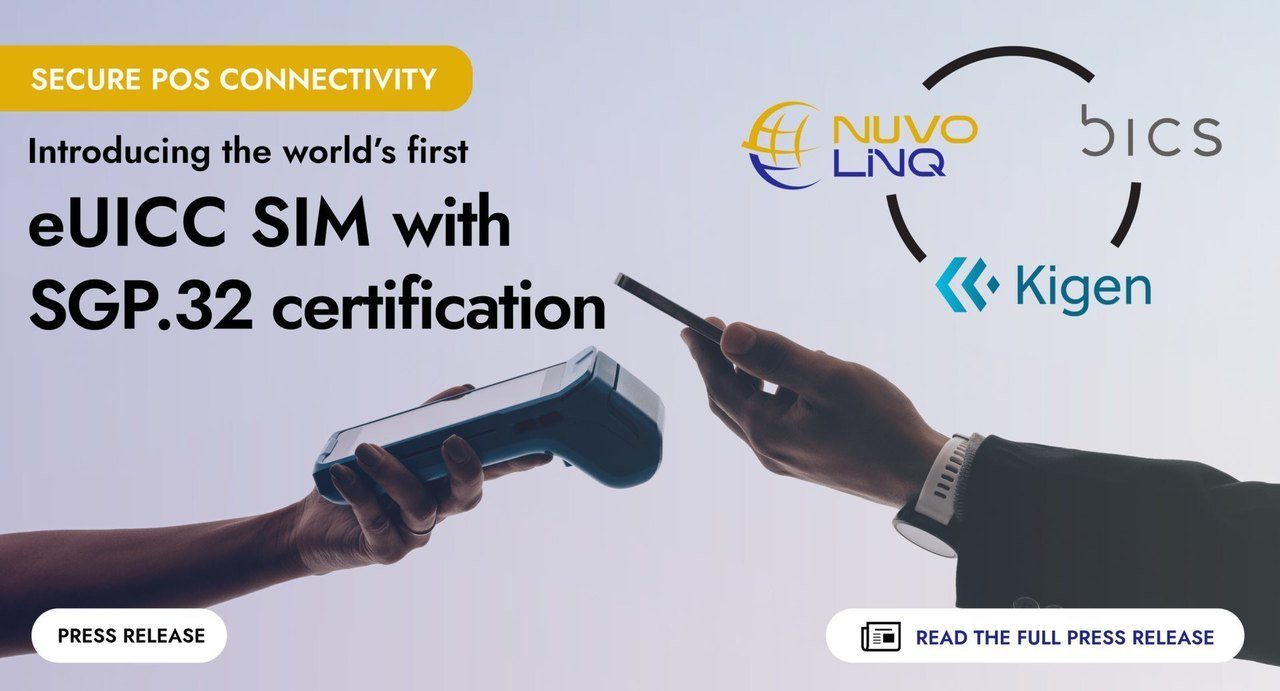
LinQ1Zero is built on a hardware platform from Kigen, an established secure-chip maker, and follows the GSMA's official standard for device SIMs.
The chip's operating system and security keys are built and signed by Kigen. We layer NuvoLinQ's carrier profiles and management on top. Every SIM ships with its own unique digital ID certificate.
SGP.32 is the GSMA's specification for SIMs in devices and IoT hardware — published in 2023 and updated in 2024. LinQ1Zero is certified against it.
08Pairs with LinQView
Every LinQ1Zero you order is born paired to your LinQView dashboard. That's where your team sees every device, every carrier switch, and every update — in real time.
09Two ways to start
Order a free sample SIM and a trial profile to try it in your own device. Or skip the sample and let our team take a look at your existing fleet and put together a plan.